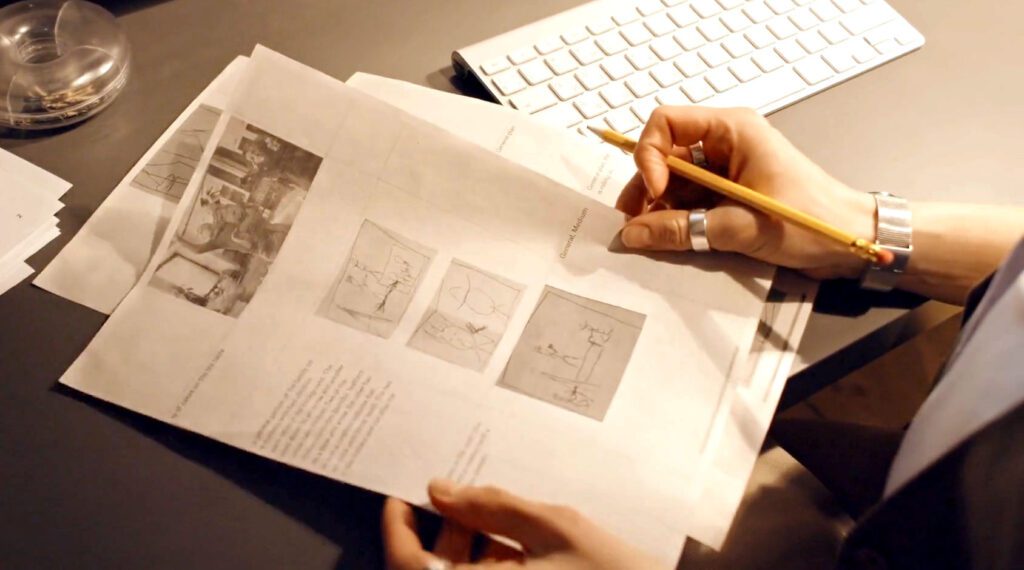
In the world of video production, creating engaging and well-structured content requires more than just a good camera and creative ideas. Successful videos are the result of careful planning, organization, and visualization before filming even begins. One of the most effective planning techniques used by filmmakers, marketers, and content creators is storyboarding for video. Storyboarding helps transform ideas into a clear visual plan that guides the entire production process.
A storyboard acts as a visual blueprint for a video. It allows creators to map out scenes, camera angles, transitions, and key moments before recording begins. By sketching the sequence of shots and aligning them with the script, teams can ensure that every part of the video contributes to the overall story and message. This process saves time during filming, reduces mistakes, and helps everyone involved understand the creative vision.
In today’s digital landscape, video content is used across marketing campaigns, social media platforms, educational materials, and entertainment productions. Because of this, the importance of storyboarding for video production has grown significantly. Whether you are producing a marketing video, a YouTube vlog, an animation project, or a short film, storyboarding provides a structured way to organize your ideas and bring them to life effectively.
What Is Storyboarding for Video?
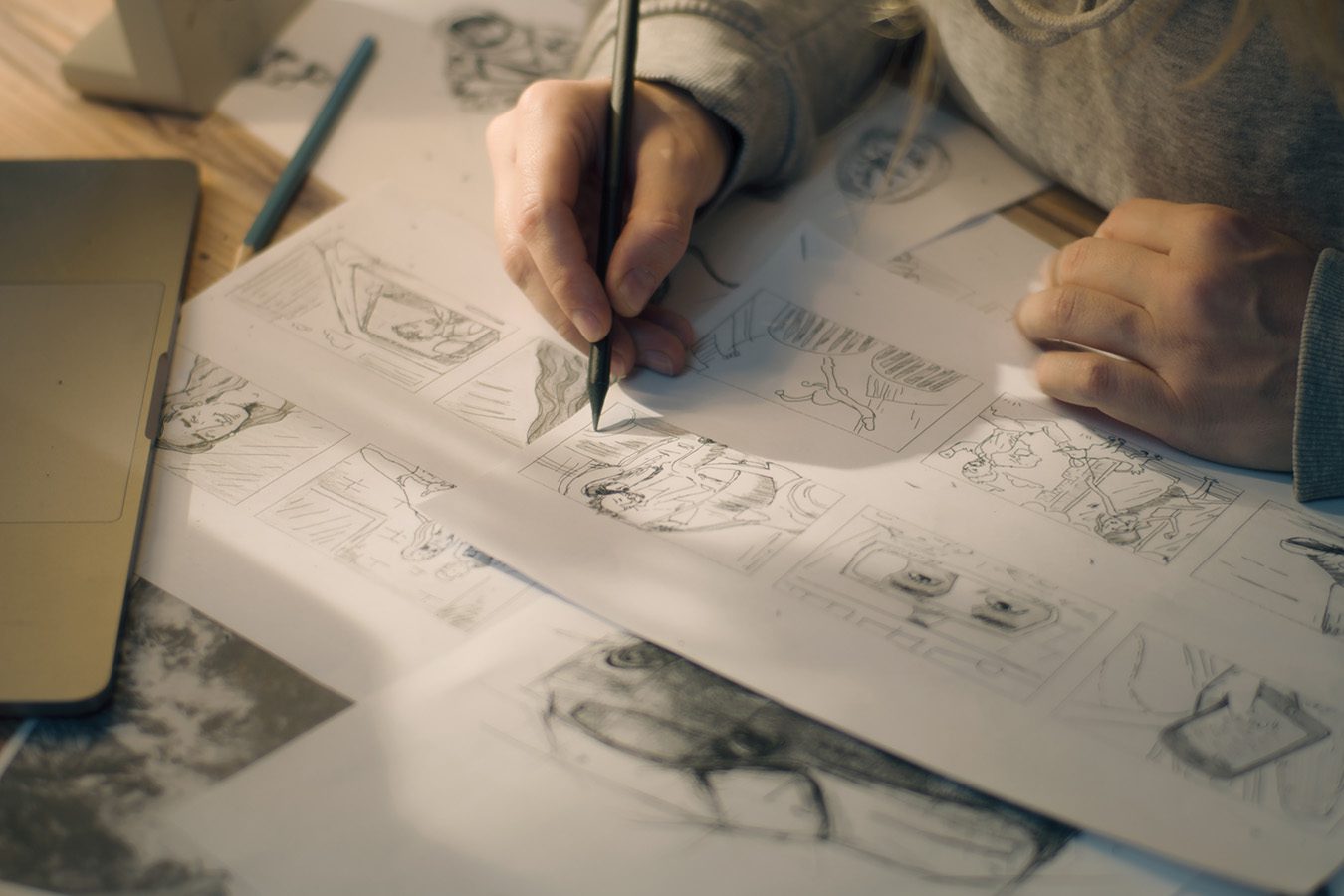
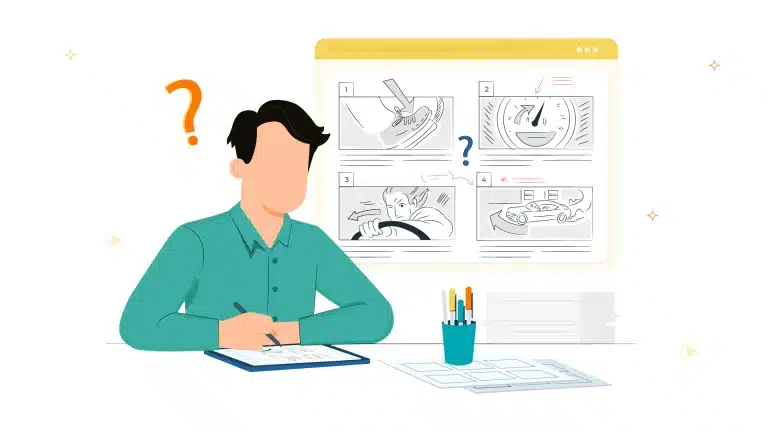
Storyboarding for video is the process of creating a sequence of drawings or visual representations that outline how a video will unfold scene by scene. Each frame in a storyboard represents a shot or moment in the video, accompanied by notes about dialogue, camera movement, transitions, and actions taking place within the scene. Think of a storyboard as a visual version of the script. While a script describes the story through text, a storyboard shows how that story will appear visually on screen. It helps directors, editors, and production teams understand exactly what needs to be filmed and how each scene should look. It is important to understand the difference between a storyboard, a script, and a shot list:- Script: The written narrative, dialogue, and structure of the video.
- Storyboard: A visual representation of the script through sketches or images.
- Shot List: A detailed list of the specific camera shots required for filming.
Why Storyboarding Is Important in Video Production
Storyboarding is not just an optional step; it is a crucial part of creating professional and effective videos. Skipping this stage can lead to confusion, wasted time, and inconsistent storytelling. Here are some key reasons why storyboarding is essential in video production.Helps Organize Ideas Clearly
When producing a video, ideas can easily become scattered. A storyboard provides a structured way to arrange scenes and shots in a logical sequence. This organization helps ensure that the narrative flows smoothly and that the audience can easily follow the story. By visually mapping each scene, creators can quickly identify gaps in the storyline or moments that need improvement before filming begins.Saves Time During Filming
Filming without a storyboard often leads to unnecessary retakes and unplanned shots. When every scene is planned in advance, the production team knows exactly what needs to be captured. This preparation allows the filming process to move faster and more efficiently, reducing the overall production time and costs.Improves Storytelling and Visual Flow
Video is a visual medium, and storytelling relies heavily on how scenes are presented. Storyboarding helps creators experiment with different camera angles, compositions, and transitions before filming. By planning these elements in advance, the final video becomes more engaging and visually coherent.Reduces Production Mistakes
Without a clear plan, important shots may be forgotten during filming. Storyboards serve as a checklist that ensures every necessary shot is captured. This reduces the risk of missing footage and helps editors work more efficiently during post-production.Key Elements of an Effective Storyboard
An effective storyboard contains several important elements that help communicate the visual plan for a video. These components work together to guide the production team and ensure consistency throughout the project.Scene Illustrations or Sketches
The most recognizable part of a storyboard is the series of sketches representing each scene. These drawings do not need to be highly detailed or artistic. Simple sketches are enough to show the basic composition, character positions, and key actions taking place. The goal is to visualize the shot rather than create a piece of art.Shot Descriptions and Camera Angles
Each frame in the storyboard should include notes about the type of shot being used. For example:- Close-up shot
- Wide shot
- Medium shot
- Over-the-shoulder shot
Dialogue or Voice-Over Notes
If the video includes dialogue or narration, the storyboard should include short notes describing what is being said during each scene. This ensures that the visuals match the spoken content.Timing and Scene Duration
Storyboards may also include estimates for how long each scene will last. Timing helps maintain the pacing of the video and ensures that the overall length fits the intended format.Visual Movement and Transitions
Notes about movement—such as camera pans, zooms, or character actions—are often included in storyboards. Transitions between scenes, such as cuts, fades, or dissolves, can also be indicated. These details help editors and directors understand how scenes will connect in the final video.
Step-by-Step Process to Create a Video Storyboard
Creating a storyboard does not have to be complicated. By following a structured process, anyone can develop an effective storyboard for video production.Define the Video Goal
The first step is identifying the purpose of the video. Ask yourself questions such as:- What message should the video communicate?
- Who is the target audience?
- What action should viewers take after watching the video?
Write the Script
Before drawing the storyboard, it is important to write a script. The script outlines the dialogue, narration, and sequence of events in the video. A well-written script makes it easier to break the story into visual scenes.Break the Script Into Scenes
Next, divide the script into individual scenes or moments. Each scene should represent a specific action, idea, or transition in the story. Breaking the script into smaller segments makes the story easier to visualize and plan.Sketch Each Scene
Now it is time to draw the storyboard frames. Each frame should represent one shot or scene from the video. The sketches can be simple stick figures or rough drawings that illustrate the main action. Remember, the purpose is clarity, not artistic perfection.Add Notes and Camera Directions
After sketching each scene, add notes explaining important details such as camera movement, dialogue, sound effects, or transitions. These notes help ensure that everyone involved in the production understands how the scene should be executed.Review and Adjust the Storyboard
Once the storyboard is complete, review it carefully. Look for areas where the story could be improved or simplified. It is much easier to make changes during the storyboard stage than during filming.Different Types of Video Storyboards
Storyboards can take different forms depending on the complexity of the project and the preferences of the production team.Traditional Hand-Drawn Storyboards
This is the most classic form of storyboarding. Creators use paper and pencils to sketch scenes quickly. Hand-drawn storyboards are simple, flexible, and perfect for brainstorming ideas.Digital Storyboards
Digital tools allow creators to design storyboards using software or online platforms. These storyboards can include images, annotations, and even basic animations. Digital storyboards are especially useful for teams that collaborate remotely.Thumbnail Storyboards
Thumbnail storyboards are small, quick sketches that capture the main idea of each shot. They are often used during the early brainstorming stages to explore different visual concepts.Animatics
Animatics are animated versions of storyboards. They combine storyboard images with basic motion, timing, and sound effects to simulate how the final video will look. Animatics are commonly used in animation, film production, and complex video projects.Tools for Creating Video Storyboards
Modern technology has made storyboarding easier than ever. Creators can choose from a variety of tools depending on their workflow and preferences.Paper and Pencil
The simplest and most accessible tool for storyboarding is still paper and pencil. This method allows creators to sketch ideas quickly without relying on software.Digital Drawing Tools
Graphic design tools and drawing tablets allow creators to produce detailed digital storyboards. These tools are especially useful for animation and design-focused projects.Storyboarding Software
There are many dedicated storyboard applications that help organize scenes, add notes, and collaborate with teams. These tools often include templates that simplify the storyboarding process.Online Collaboration Platforms
For teams working remotely, online platforms allow multiple people to review and comment on storyboards in real time. This improves communication and ensures that everyone stays aligned with the creative vision.Conclusion
In conclusion, storyboarding for video is one of the most important steps in creating successful and engaging visual content. It helps creators organize their ideas, visualize scenes before filming, and ensure that every part of the video contributes to a clear and compelling story. By planning camera angles, transitions, and scene flow in advance, storyboarding makes the production process smoother, saves time, and improves the overall quality of the final video. Whether you are producing marketing videos, educational content, social media clips, or professional films, using a storyboard can significantly enhance your storytelling and production efficiency. It allows teams to collaborate more effectively and ensures that the creative vision is clear from the beginning of the project until the final edit. If you are looking to create high-quality video content that attracts audiences and strengthens your brand presence online, working with a professional digital marketing team can make a huge difference. Above-Quality is considered one of the best companies specializing in digital marketing and content writing, offering creative strategies, professional content creation, and effective marketing solutions that help businesses grow and reach their target audiences successfully.