
Images play a crucial role in making websites more engaging, informative, and visually appealing. Whether you are running an online store, a blog, or a corporate website, images help capture users’ attention and improve the overall browsing experience. However, search engines cannot interpret images in the same way humans do. This is where image alt text becomes essential.
Image alt text, also known as alternative text, is a short description added to an image that explains what the image represents. This description helps search engines understand the content of the image and also assists users who rely on screen readers to access website content. Because of this, using image alt text SEO techniques has become a key element of modern search engine optimization strategies.
Many website owners often ask questions such as what is image alt text?, why it is important, and how to implement it properly. When used correctly, alt text not only improves accessibility but also boosts website visibility in search engine results, especially in Google Image Search.
In addition, proper Alt-text optimization helps search engines index images more accurately, which can drive additional organic traffic to your website. Businesses that rely on visual content—such as e-commerce stores and blogs—can benefit significantly from optimized alt text.
What Is Image Alt Text?
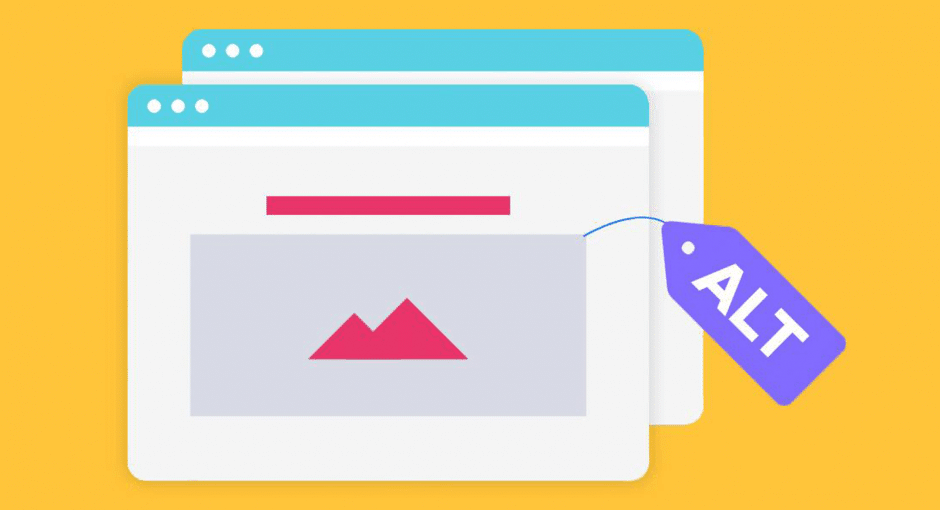
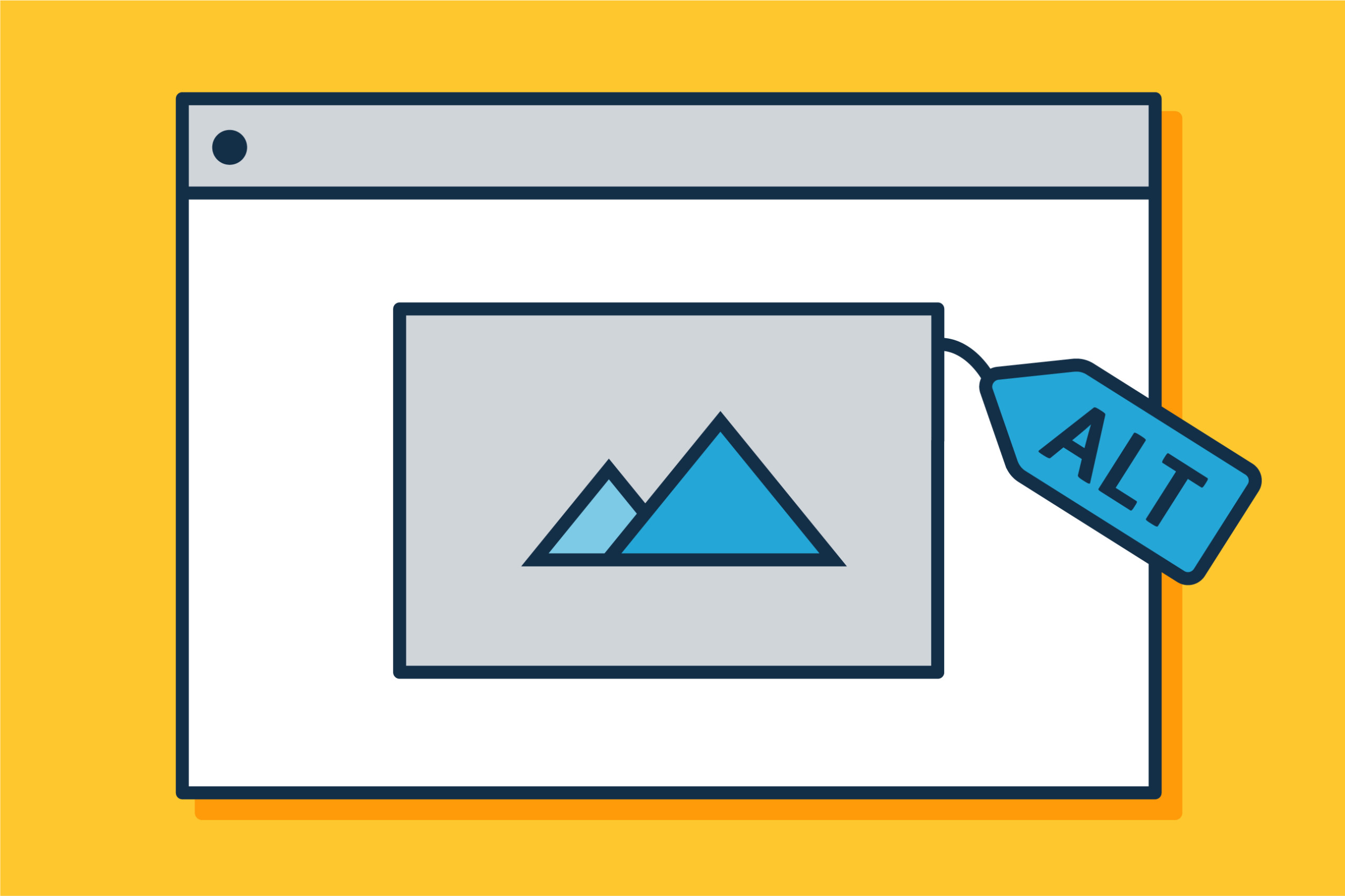
Many beginners ask the question: what is image alt text? Simply put, image alt text is a written description embedded in the HTML code of an image that explains the image’s content. This description appears when an image cannot be displayed and is also used by screen readers to describe images to visually impaired users. In web development, html image alt text is implemented using the “alt” attribute inside the image tag. A basic example looks like this: <img src="coffee-cup.jpg" alt="A cup of hot coffee on a wooden table"> In this example, the alt attribute describes what appears in the image. This helps search engines interpret the visual content. It is also important to understand the difference between alt text and other image-related elements:- Alt Text: Describes the image for accessibility and SEO.
- Image Title: Appears as a tooltip when hovering over an image.
- Caption: Visible text displayed under the image.
Why Image Alt Text Is Important for SEO
Search engines rely heavily on textual signals to understand web content. Since images do not contain readable text, image alt text SEO helps search engines interpret visual elements on a page.Helps Search Engines Understand Images
Search engine crawlers analyze the alt attribute to determine what an image represents. By including descriptive alt text, you provide context that helps search engines categorize and index images correctly.Improves Image Search Rankings
Optimized alt text can significantly improve visibility in Google Image Search. Many websites receive substantial traffic from image searches, especially those that publish product photos, infographics, or tutorials.Enhances On-Page SEO
Alt text contributes to overall on-page SEO by reinforcing the main topic of a page. When alt text contains relevant keywords naturally, it supports the page’s relevance for search queries.Improves User Experience
In situations where images fail to load due to slow internet connections or technical issues, alt text appears in place of the image. This ensures that users still understand what the image represents. By implementing proper Alt-text optimization, websites can improve both search rankings and user experience simultaneously.The Role of Alt Text in Web Accessibility
Accessibility is an essential part of modern web design. Millions of people rely on assistive technologies such as screen readers to browse the internet. Alt text plays a critical role in making websites accessible to these users. Screen readers use alt text to describe images aloud. Without alt text, visually impaired users may miss important information that is communicated through images. For example, an e-commerce website that sells clothing must include alt text for product images. Without alt descriptions, users relying on screen readers would not know what products are being displayed. Accessible websites also comply with global accessibility guidelines such as WCAG (Web Content Accessibility Guidelines). Search engines increasingly prioritize accessible websites because they provide a better user experience. By adding meaningful image alt text, website owners ensure that their content can be understood by all users, regardless of their abilities.Best Practices for Writing Effective Image Alt Text
Writing effective image alt text is essential for improving both accessibility and search engine optimization. Well-written alt text helps search engines understand the content of images while also assisting users who rely on screen readers. By following a few proven practices, you can ensure that your image alt text SEO strategy contributes positively to your website’s performance.1. Describe the Image Clearly and Accurately
The most important rule when writing alt text is to clearly describe what appears in the image. The description should allow someone who cannot see the image to understand its content. Focus on the most important visual elements and avoid unnecessary details. For example, instead of writing a vague description like “image,” write something more descriptive such as “freshly baked chocolate cake on a wooden table.” Clear descriptions improve both accessibility and Alt-text optimization.2. Use Keywords Naturally
Including relevant keywords can strengthen image alt text SEO, but they must appear naturally within the description. The alt text should always prioritize clarity and context rather than forcing keywords. For instance, if the page is about coffee recipes, a good alt text could be “barista preparing latte art in a ceramic coffee cup.” This integrates the keyword naturally without sounding forced.3. Keep Alt Text Concise
Another important consideration is image alt text length. In most cases, alt text should remain short and direct, typically between 80 and 125 characters. Short descriptions are easier for screen readers to process and help maintain clarity. Avoid writing long paragraphs in alt text. Instead, summarize the main idea of the image in one concise sentence.4. Avoid Phrases Like “Image of” or “Picture of”
Screen readers already identify images, so phrases such as “image of” or “picture of” are unnecessary. Removing these phrases makes the description more efficient and easier to understand. For example, instead of writing “image of a mountain landscape,” simply write “snow-covered mountain landscape at sunrise.”5. Match the Context of the Page
Alt text should reflect the role the image plays within the content. If an image supports a specific topic or keyword, the alt text should align with that context. For example, if an article discusses digital marketing strategies, an appropriate alt text might be “team analyzing website traffic data on a laptop.” Contextual descriptions improve image alt text SEO and strengthen the relevance of the page.6. Use Alt Text for Informational Images
Images that provide important information should always include descriptive alt text. This ensures that all users, including those using screen readers, can access the same information as sighted users. However, purely decorative images that do not add meaning to the content may use empty alt attributes to avoid unnecessary screen reader output.7. Review and Test Alt Text Regularly
It is important to review your website’s images periodically to ensure that every important image includes proper alt text. You can use tools such as an image alt text viewer or browser inspection tools to verify your html image alt text implementation.
Examples of Good and Bad Alt Text
Understanding examples can make it easier to write effective alt text.Good Alt Text Examples
Good alt text is clear, descriptive, and relevant. Examples: “Golden retriever playing with a tennis ball in a park” “Fresh homemade pizza with basil leaves and melted cheese” “Woman doing yoga on a beach at sunrise” These descriptions clearly explain what is happening in the image.Poor Alt Text Examples
Poor alt text often lacks clarity or contains excessive keywords. Examples: “Dog” “IMG_4587” “pizza pizza pizza pizza” These descriptions provide little useful information. Good Alt-text optimization ensures that every image contributes meaningful information to the page.Common Mistakes to Avoid in Alt Text
Even experienced website owners sometimes make mistakes when writing alt text.- Leaving Alt Text Empty: Important images should always have alt text. Empty alt attributes can cause accessibility issues.
- Keyword Stuffing: Overloading alt text with keywords can lead to poor user experience and may negatively impact SEO.
- Writing Extremely Long Descriptions: While detailed descriptions are useful in some cases, most alt text should remain concise.
- Ignoring Decorative Images: Decorative images that do not add meaningful content should have empty alt attributes to prevent unnecessary screen reader output.
How to Add Alt Text to Images
How to Add Alt Text to Images
Adding image alt text to your images is a simple but essential step for improving both website accessibility and search engine optimization. Alt text helps search engines understand what an image represents and ensures that visually impaired users can access the information through screen readers. Whether you are managing a custom website, a WordPress blog, or an online store, knowing how to correctly implement image alt text SEO can significantly improve your website’s performance. There are several ways to add alt text depending on the platform you are using.Adding Alt Text in HTML
The most basic way to add alt text is by using html image alt text within the HTML code of a webpage. This is done by adding the alt attribute inside the image tag. Example: <img src="healthy-salad.jpg" alt="Fresh green salad with tomatoes and avocado in a bowl"> In this example, the alt attribute clearly describes the content of the image. When search engines crawl the page, they read this description to understand the image and include it in relevant search results. Using descriptive alt text in HTML is one of the core elements of Alt-text optimization, especially for custom-coded websites.Adding Alt Text in WordPress
For websites built with WordPress, adding alt text is very easy and does not require any coding. When you upload an image to the WordPress media library, you will see a field labeled Alt Text (Alternative Text). Simply enter a short description of the image in this field. Steps to add alt text in WordPress:- Upload an image to the media library.
- Click on the image to open the image settings.
- Find the Alt Text field.
- Enter a descriptive alt text that matches the content of the image.
- Save the image and insert it into the page or post.
Adding Alt Text in Shopify
For e-commerce websites, optimizing image alt text shopify is extremely important because product images play a major role in attracting customers through search engines. To add alt text in Shopify:- Go to the product page in the Shopify dashboard.
- Click on the product image you want to edit.
- Select Edit Alt Text.
- Enter a clear description of the product image.
- Save your changes.
How to Check Image Alt Text
After adding alt text, it is important to verify that it has been implemented correctly. There are several methods for how to check image alt text. One of the easiest methods is using the browser’s Inspect Element feature. Right-click on an image and select “Inspect” to view the HTML code and confirm the alt attribute. Another method is using an image alt text viewer or SEO auditing tools. These tools scan a webpage and display all images along with their alt attributes, making it easier to identify missing or poorly written alt text. Regularly reviewing your images ensures that your Alt-text optimization strategy remains effective and that every important image contributes to your website’s accessibility and SEO performance.How to Check Image Alt Text
Website owners often need to verify whether images contain proper alt text. There are several methods for how to check image alt text.Inspect Element in Browser
One simple method is using the browser’s inspect tool. By right-clicking an image and selecting “Inspect,” users can view the HTML code and check the alt attribute.Use SEO Tools
Many SEO tools provide automated image analysis and highlight missing alt attributes.Use an Image Alt Text Viewer
An image alt text viewer is a tool that displays the alt text associated with images on a webpage. These tools are useful for auditing large websites and ensuring that every image contains appropriate descriptions. Regular audits help maintain strong image alt text SEO performance.Conclusion
In conclusion, image alt text is a small element in website design, but it plays a very powerful role in improving both accessibility and search engine optimization. By understanding what is image alt text, applying the correct image alt text length, and implementing proper html image alt text, website owners can help search engines better understand visual content while ensuring that all users can access information regardless of their abilities. In addition, strong image alt text SEO practices and continuous Alt-text optimization can significantly improve a website’s visibility in search engines, especially in image search results. Whether you are managing a blog, an e-commerce store using image alt text Shopify, or a content site on WordPress where issues like wordpress image alt text not showing may occur, optimizing alt text should always be part of your SEO strategy. Regularly auditing images using tools such as an image alt text viewer and learning how to check image alt text will help ensure that your website remains fully optimized. If you want to achieve the best results in SEO, content creation, and digital marketing, working with professionals can make a huge difference. Above-Quality is considered one of the leading companies specializing in digital marketing and professional content writing, helping businesses build strong online visibility, improve search rankings, and create high-quality content that attracts the right audience and drives sustainable growth.