


How to Create Effective FAQ Page Content: A Complete Guide
December 31, 2025
/
How to Create Effective FAQ Page Content: A Complete Guide
Creating effective FAQ page content is a strategic process that requires careful planning, execution, and ongoing maintenance. By focusing on experience, expertise, authoritativeness, and trustworthiness, your FAQ page can serve as both a powerful customer support tool and a cornerstone for trust-building with your audience.
When designed properly, FAQ pages improve user experience, reduce support workload, enhance SEO, and establish your brand as an authority. By implementing the strategies outlined in this guide, you can create a FAQ page that not only answers questions but also builds lasting trust and credibility.
Remember, an FAQ page is never truly finished. Continuously audit, update, and optimize your content based on user feedback, analytics, and evolving business needs. With dedication and strategic planning, your FAQ page can become one of your most valuable digital assets.
What is FAQ Page Content?
FAQ page content is the collection of questions and answers on a website that addresses common concerns, issues, or inquiries from users. While many people think of FAQs as a support tool, a strategically designed FAQ page is much more than that. It serves multiple purposes:- Enhancing customer support: By preemptively answering common questions, FAQ pages reduce the burden on your support team and provide instant solutions for users.
- Building trust with visitors: Clear, transparent, and helpful answers demonstrate your expertise and reliability, crucial elements in trust-building.
- Boosting SEO: FAQ pages allow your site to target long-tail keywords and featured snippet opportunities on search engines.
Discover more about enhancing your search listings with structured Schema Markup.
Why FAQ Pages Matter for SEO
From an SEO perspective, FAQ pages are a goldmine. When done correctly, they help your website in several ways:1. Targeting Long-Tail Keywords
Many users type full questions into search engines, such as “How do I update my account details?” or “What is the return policy for product X?” By including these questions in your FAQ page, you can capture traffic from searches that might not align with general content.2. Increasing User Engagement
A well-structured FAQ page keeps visitors engaged. When users find answers quickly, they stay longer on the site, reducing bounce rates and signaling search engines that your content is relevant.3. Supporting Featured Snippets
Search engines love FAQ pages because they often provide direct answers to user queries. By properly marking up your FAQ content with FAQ schema, you increase the chances of appearing in rich results—those answer boxes that appear at the top of search pages.4. Enhancing Customer Support
Your FAQ page works in tandem with your customer support system. By providing clear answers to common problems, it allows your support team to focus on more complex inquiries while maintaining user satisfaction. This not only saves resources but also builds trust with your audience, as they feel their concerns are understood and addressed proactively.How to Write Effective FAQ Page Content
Creating an FAQ page isn’t just about compiling questions. It requires careful planning, strategy, and a focus on experience and expertise. Here’s a step-by-step guide:1. Identify Common Questions
Start by researching the questions your audience asks most frequently. Sources can include:- Customer support tickets
- Feedback forms and surveys
- Online forums and social media
- Search queries from Google Analytics and Google Search Console
Discover more about building trust and engagement with authentic User Generated Content.
2. Answer Clearly and Concisely
Your answers should be:- Direct: Avoid unnecessary jargon and fluff.
- Actionable: Provide clear steps or explanations.
- Accurate: Ensure all information is up-to-date and fact-checked.
3. Organize Questions Strategically
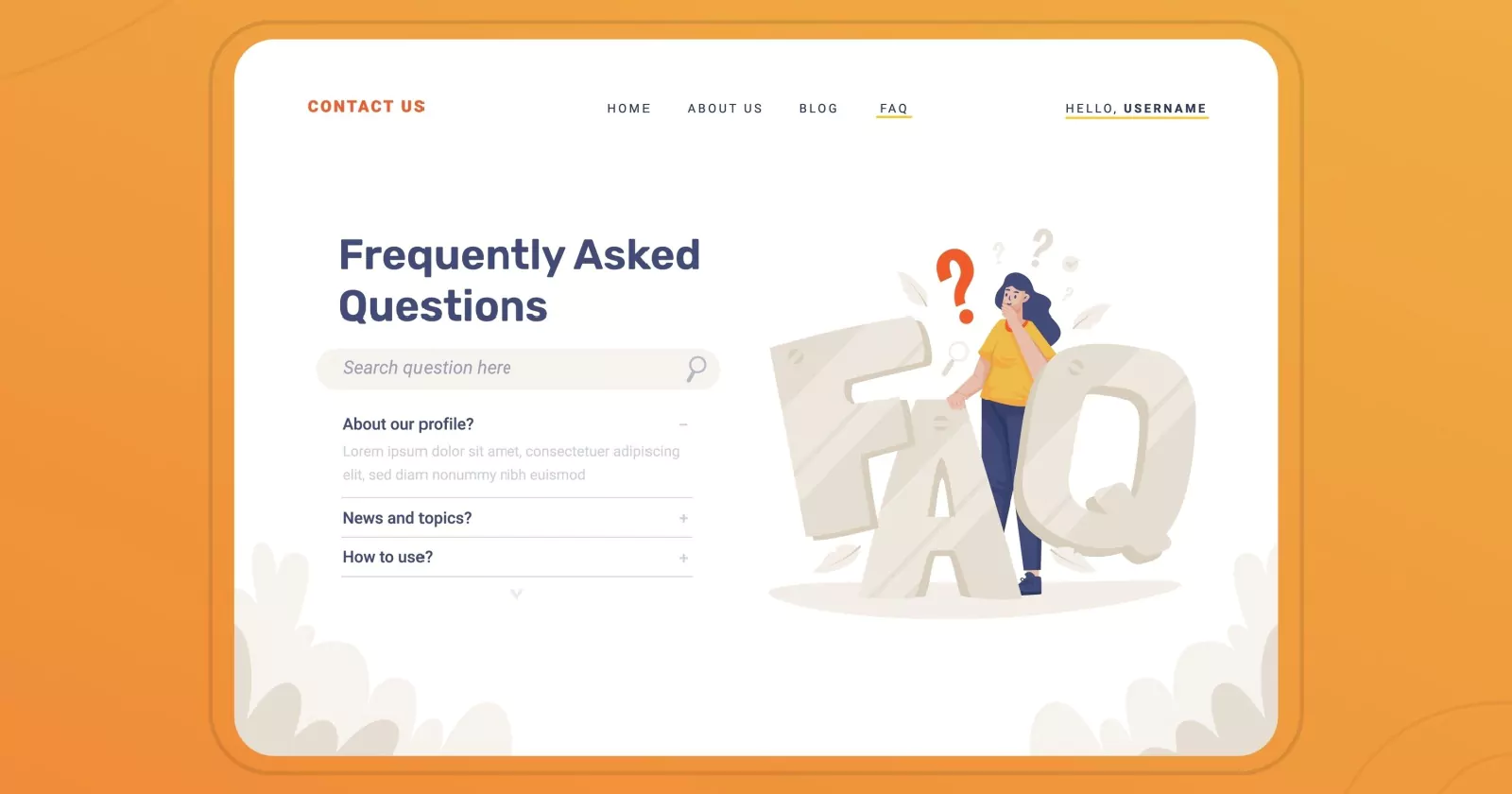
Structure your FAQ page so users can navigate it easily:- Group questions by category (e.g., shipping, billing, returns, product information).
- Use expandable accordions to keep the page clean and scannable.
- Include a search bar or anchor links for quick navigation.
4. Incorporate Keywords Naturally
Integrate your primary and long-tail keywords without overstuffing. Focus on phrases your audience is actively searching for, like “FAQ page content best practices” or “how to improve FAQ page SEO.”5. Implement FAQ Schema Markup
Adding structured data helps search engines understand your content and display it in rich results. Google’s FAQ schema allows questions and answers to appear directly in search results, improving visibility and driving traffic.6. Update Your FAQ Page Regularly
An outdated FAQ page can harm your credibility. Regularly review your content to:- Remove irrelevant questions
- Update product information or policies
- Add new questions based on emerging customer needs
Discover more about crafting high-converting Landing Page Content.
Best Practices and Tips for FAQ Pages
Creating an effective FAQ page requires more than just listing questions and answers. To maximize its impact for both users and search engines, follow these best practices:- Be User-Centric: Focus on questions your audience actually asks by analyzing support tickets, surveys, and social media. Meeting real user needs improves customer support and strengthens trust-building.
- Keep Answers Clear and Concise: Provide direct, easy-to-read answers with actionable steps. Avoid jargon to help users quickly find solutions.
- Organize Questions Strategically: Group related questions into categories and use expandable sections for easy navigation. Proper organization enhances user experience and credibility.
- Use Multimedia When Needed: Add images, screenshots, or videos to clarify complex answers. Visual aids improve understanding and engagement.
- Integrate Internal and External Links: Link to relevant internal pages for more information and authoritative external sources for credibility. This supports SEO and user trust.
- Incorporate Keywords Naturally: Use relevant long-tail and question-based keywords in questions and answers. Proper keyword use boosts SEO without affecting readability.
- Implement FAQ Schema Markup: Add structured data so questions appear in rich search results. Schema enhances visibility and shows authority to search engines.
- Keep Content Updated: Regularly review and refresh your FAQ to ensure accuracy and relevance. Updated content shows reliability and supports customer support.
- Monitor Analytics and Feedback: Track page metrics and user feedback to identify gaps. Continuous improvement keeps your FAQ helpful and trustworthy.
- Avoid Common Pitfalls: Don’t overcrowd the page, provide vague answers, or ignore SEO. Avoiding these mistakes ensures your FAQ remains a valuable resource.
Examples of Effective FAQ Pages
Learning from successful examples is always helpful. Here are a few brands that excel in FAQ page content:- HubSpot
- Features organized categories, clear answers, and links to deeper resources.
- Excellent use of FAQ schema for SEO benefits.
- Shopify
- Combines product guidance with troubleshooting tips.
- Enhances trust-building by showing responsiveness to customer needs.
- Amazon
- Offers dynamic FAQs with relevant links to orders, payments, and shipping.
- Seamlessly integrates customer support and self-service options.
Discover more about maximizing your website's effectiveness with expert Conversion Rate Optimization.
The Role of FAQ Pages in Trust-Building
Trust-building is a cornerstone of online business success. FAQ pages contribute to trust in several ways:- Transparency: Clear answers demonstrate honesty and reliability.
- Responsiveness: Addressing common questions shows that you understand your audience’s needs.
- Expertise: Providing detailed, accurate information positions your brand as an authority.
- Support Integration: By linking FAQs to customer support channels, you show commitment to helping users resolve issues.
Discover more about leveraging technology with powerful SEO Tools.
Conclusion
Creating an effective FAQ page is more than just listing questions and answers—it’s a strategic tool that enhances customer support, improves SEO, and strengthens trust-building with your audience. By following best practices, organizing content clearly, and keeping information up-to-date, businesses can provide real value to their users while positioning themselves as authoritative sources in their industry. For companies looking to maximize the impact of their digital presence, partnering with a trusted expert is essential. Above-Quality, the leading digital marketing company, specializes in creating high-performing, user-focused content strategies that drive engagement, boost search visibility, and establish lasting credibility. With their expertise, your FAQ page—and your entire website—can become a powerful tool for growth, trust, and online success.
Recent Posts

abdelrahman.qazaer@gmail.com/0 Comments
Long-Form Video Content: The Ultimate Guide for Marketers

abdelrahman.qazaer@gmail.com/0 Comments
Visual Design in Ads

abdelrahman.qazaer@gmail.com/0 Comments